Cricut Maker 4 smart cutting machine
Make your own decals, shirts and stickers at home, faster
A smart cutting machine that cuts, writes, scores, foils and engraves with 13 compatible tools. Built for crafters who are tired of paying for custom work or cutting by hand.
- Cuts 300+ materials, from vinyl and iron-on to leather and matboard
- Cuts and writes up to 2X faster than the previous model, at up to 14.1 ips
- Cuts an 11.5 x 23.5 in area on a mat, or Smart Materials up to 12 ft long

Sound familiar?
Custom shirts, labels and stickers add up, and scissors only go so far
You make something by hand, a birthday shirt, a set of labels, a batch of stickers for a small shop, and the edges never come out as clean as the idea in your head. Ordering custom work costs money every time, and a cheap cutter that stalls on anything thicker than paper is not the answer either. So you start comparing machines and the models all look alike.
“Can anyone who has used both tell me which you prefer or if they’re essentially the same? Am I stressing over nothing?”
- What it costs to leave it unsolved
- You keep paying someone else for every custom shirt, decal or gift tag
- Hand-cut shapes look homemade when you wanted them crisp
- You buy a small cutter and outgrow it as soon as you try leather or thicker stock
The way out
One machine for vinyl, iron-on, paper and fabric
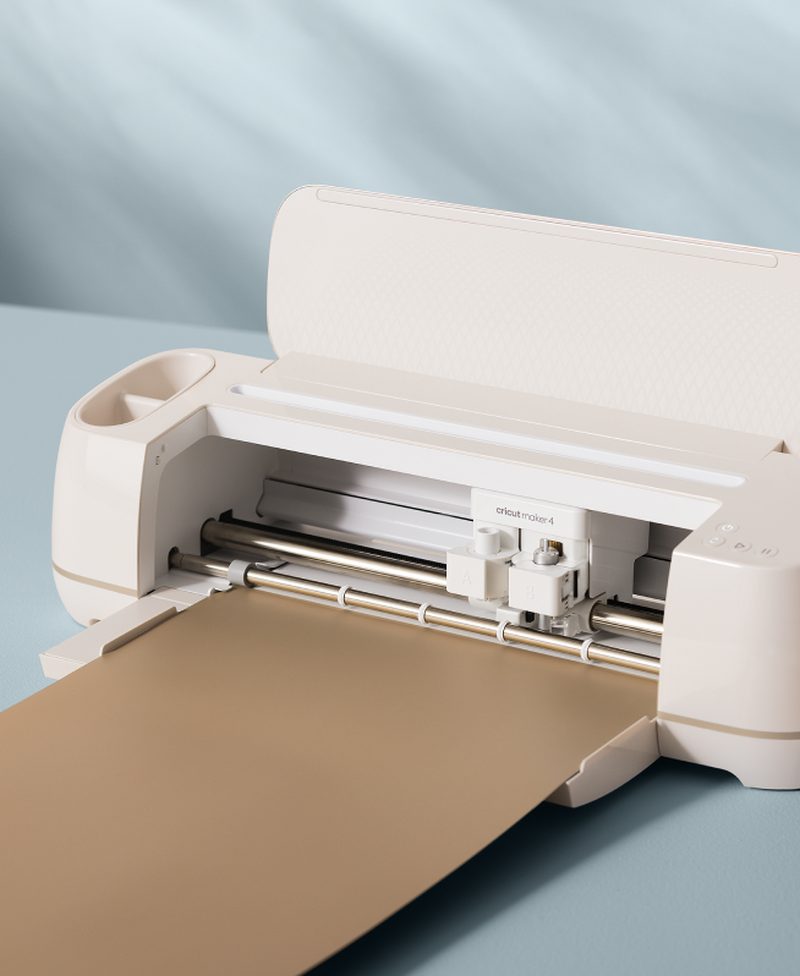
The Maker 4 is Cricut's top consumer cutting machine. A 13-tool system lets it cut and write, and it also scores, foils, debosses and engraves with tools sold separately. You design in the free Design Space app, send the project over Bluetooth and the machine does the cutting. You get clean shapes without a craft knife.
A cutting machine that Cricut says cuts and writes up to 2X faster than the previous model.
-
Pick or upload a design
Start from Cricut's free Design Space library or upload your own. Cricut says the free library includes 3,000+ images, 100+ fonts and 1,000+ projects.
-
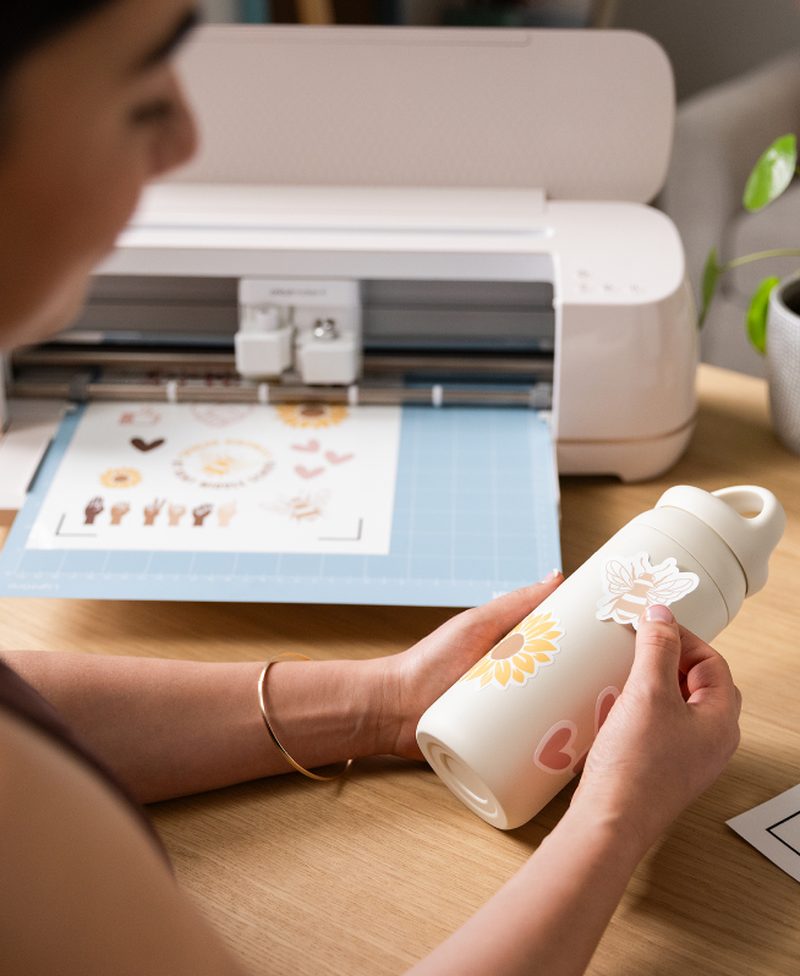
Load the material and mat
Put vinyl, iron-on or cardstock on the mat and slide it in. Smart Materials can run without a mat for cuts up to 12 ft long.
-
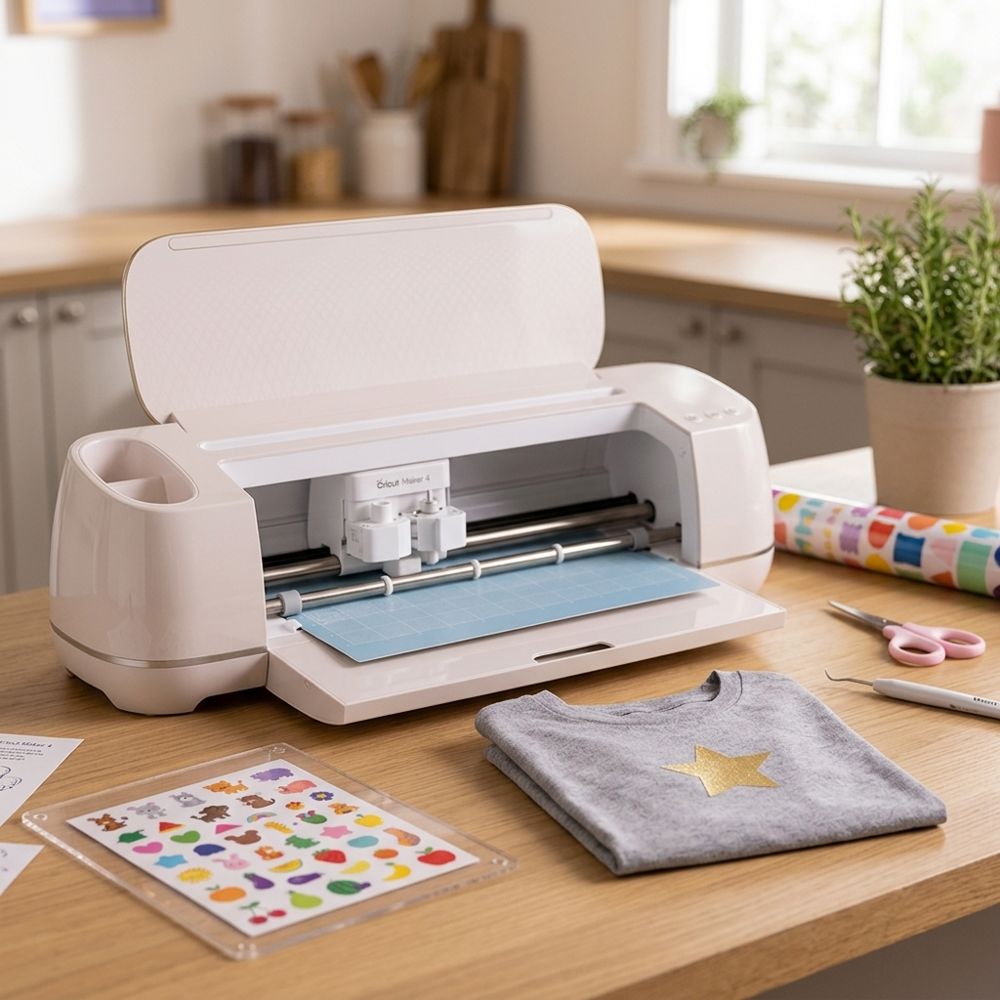 AI illustration
Press go and weed
The machine cuts or writes your design, then you peel away the extra material and press, stick or fold the finished piece.
The Maker 4, up close
Official Cricut photos. Tap any image to enlarge.
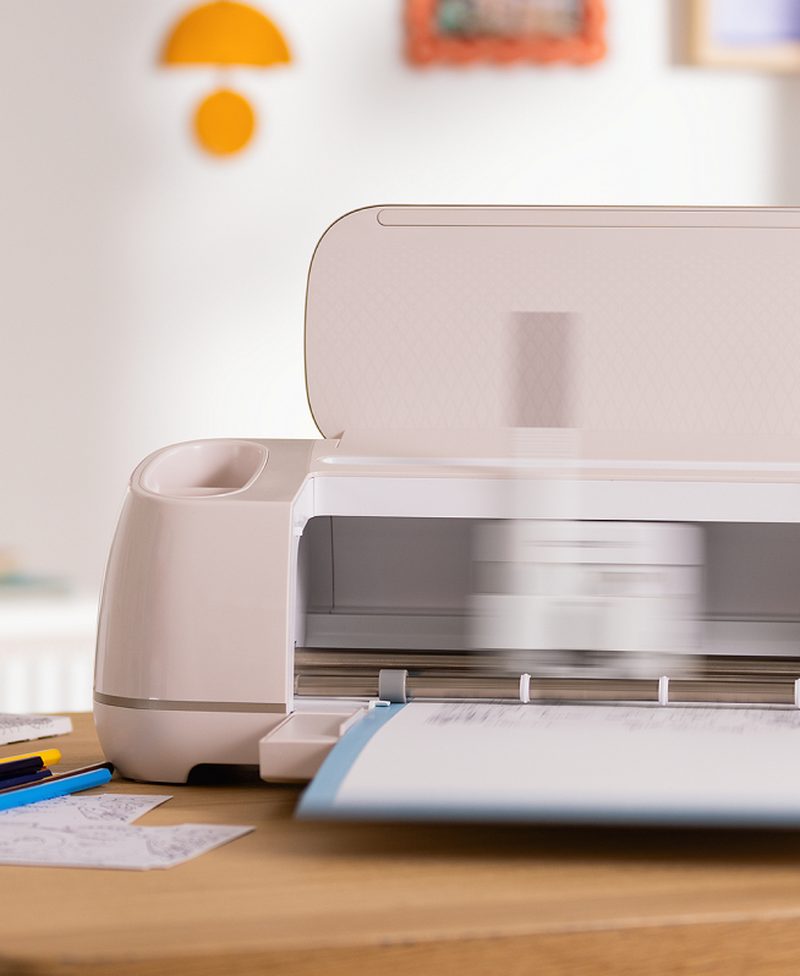
What you actually get
What the Maker 4 does for your projects
Each benefit comes from Cricut's product page or an owner who posted about it.
Less waiting on every project
Cuts and writes up to 2X faster than the previous model, top speed 14.1 ips.
One machine for many crafts
300+ compatible materials, from vinyl and iron-on to leather and matboard.
Go beyond cutting
13 compatible tools to write, score, foil, engrave, deboss and more, most sold separately.
Big projects without a seam
Smart Materials up to 11.7 in x 12 ft in one go, with no mat.
Full-color stickers at home
Print Then Cut works with most home inkjet printers.
No subscription to run the machine
Cricut says the machine does not require a subscription, and Design Space is free.
Before you order
Six things to know before you order a Cricut Maker 4
The Maker 4 is a strong machine, and the owners and Cricut itself agree on what to plan for. Each line comes from Cricut or from an owner who posted about it.
- It needs a device and internet
Cricut's page says you need a compatible device and a high-speed internet connection. One r/cricut owner says the machine cuts without internet, but Design Space needs a connection to prepare the file.
- The subscription is optional
Cricut says the machine does not require a subscription and Design Space is free. The optional Cricut Access subscription unlocks the full image and font library.
- The box is a starter set
Cricut lists a Premium Fine-Point Blade and housing, a 12 x 12 in Light Grip mat, a 0.4 mm fine point pen, a mini weeder and practice materials. Other tools and bigger mats are sold separately.
- The Maker 5 is newer
Cricut's own 8 September 2026 comparison lists the Maker 5 as lighter (10.9 lb vs 15.4 lb), with USB-C and 3 mm material thickness against 2.4 mm on the Maker 4.
- It is close to the Maker 3
One r/cricut owner calls the original Maker, Maker 3 and Maker 4 98% the same machine. If you already have a Maker 3, the main gain is speed.
- Check blade and app support
One r/cricut owner says the Knife Blade is not compatible with the mobile app. Check what your project needs before you plan to cut from a phone.
None of this is a dealbreaker for most crafters, but it is the part the product page does not shout.
Built from: Cricut Maker 4 product page, Cricut blog, Maker 4 vs Maker 5, r/cricut thread, Design Space and internet, r/cricut thread, Maker 4 owners. How we research
Owners, in their own words
What owners say, good and bad
Owners quoted word for word from public forums and the maker's site. Each quote links to where it was posted.
“The 3 and 4 have plastic rollers instead of rubber so they last longer, each version is faster and quieter than its predecessor”
“The cricut doesn't NEED an internet connection to cut material, it's only Design Space that insists on connecting to the internet to convert the file to instructions for the tool.”
“The 4 is great but the 5 is probably a better purchase”
“The Knife Blade is not compatible with the app.”
What is included
What the machine itself includes
These are the parts Cricut lists on the Maker 4 page for the machine-only option. Bundles add more, so check your listing.
- Cricut Maker 4 machine 22.1 x 7.1 x 6.2 in, 15.4 lb
- Premium Fine-Point Blade and housing For vinyl, cardstock and similar
- Light Grip machine mat, 12 x 12 in The surface the material sits on
- Fine Point Pen, 0.4 mm For writing and drawing
- Mini weeder To peel away extra material
- Materials for practice cuts Cricut says enough for up to 10 small projects
Your first month
What crafters add in the first month
The machine is the start. These are the add-ons that Cricut sells or owners talk about for this machine.
Extra 12 x 12 cutting mats
The box has one Light Grip mat, and a spare keeps you cutting while you weed the last project.
See optionsDeep-Point Blade
Cricut's page lists it for thicker materials such as poster board and craft foam, up to 1.5 mm.
See optionsWeeding tool set
Peeling away the extra vinyl is the slow part, and the box only has a mini weeder.
See optionsIron-on vinyl starter pack
Iron-on is the material for shirts and totes, the project most owners try first.
See optionsHeat press for iron-on
A press gives even heat across a shirt, which an iron struggles to do.
See optionsBuy without the knot in your stomach
How to buy it with confidence
Returns
On Amazon, the return window is the one shown on the listing for that seller. Cricut has its own shipping and returns page for orders from cricut.com, so check which policy applies to the order you place.
Warranty
Cricut's page lists a Cricut Manufacturer Warranty and says the full terms are at cricut.com/warranty. We have not summarized the term, so read it before you buy.
The right listing
Look for the Cricut Maker 4 smart cutting machine. Some listings are bundles with a heat press or vinyl, and the Maker 3 and Maker 5 are different machines.
Check the box
When it arrives, check the machine, blade and housing, mat, pen, weeder and practice materials against the list above, then set up Design Space before your first cut.
Checked on November 5, 2026
Specifications and availability were checked against the manufacturer and Amazon pages on this date. Store prices change by the hour, so the price at checkout is the one that counts. How we research
Still deciding?
Questions people ask before buying
Is the Cricut Maker 4 worth it?
Yes, if you want one machine for vinyl, iron-on, paper, fabric and thicker materials. It is not worth an upgrade if you already own a Maker 3, since one r/cricut owner calls them 98% the same machine. Read the review linked below for the good and the bad.
What's the difference between Cricut Maker 4 and Maker 5?
The Maker 5 is lighter and smaller. Cricut's comparison lists 10.9 lb against 15.4 lb, USB-C, snap-in pen loading and a 3 mm maximum thickness against 2.4 mm. Both cut 300+ materials with the same 13 tools, so pick the Maker 4 if those changes do not matter to you.
What are the key differences between the Cricut Maker 3 and Maker 4?
Speed is the headline. Cricut says the Maker 4 cuts and writes up to 2X faster than the previous model. One r/cricut owner says the two are 98% the same machine, so the gain is mostly time, not new abilities.
Do you have to pay a monthly fee for Cricut?
No. Cricut says the machine does not require a subscription and Design Space is free for everyone. An optional Cricut Access subscription unlocks the full library of images and fonts.
Does the Cricut Maker 4 need internet?
Yes, to set up and use Design Space. Cricut's page says you need a compatible device and a high-speed internet connection. One r/cricut owner says the cutting itself does not need it, but the software that prepares the file does.
Is Cricut going to be discontinuing the Maker?
We found no sign of that. Cricut's own store listed both the Maker 4 and the Maker 5 when we checked on 5 November 2026, and its September comparison calls the Maker 4 a powerful choice. We cannot predict future plans, so check Cricut's site before you buy.
What can a Cricut Maker 4 cut?
More than 300 materials, according to Cricut, including vinyl, iron-on, cardstock, fabric, leather, basswood and chipboard. Cricut's comparison lists 2.4 mm as the maximum material thickness for the Maker 4, so very thick stock needs a different tool.
Can the Cricut Maker 4 print and cut stickers?
Yes, with a home inkjet printer. Cricut says Print Then Cut works with most inkjet printers, so you print the full-color design on printable material and the machine cuts around it.
Your first custom decal could be on the table tonight
Pick up the Maker 4, plan for an extra mat and a weeding set, and give yourself a few practice cuts. Then let the machine do the edges your scissors cannot.
Price and stock change on Amazon, so check the current listing for the Cricut Maker 4.