Cricut AutoPress 2, 15 x 15 automatic heat press
Press batches of shirts with even, high pressure, hands free
This is the Cricut AutoPress 2, 15 x 15, the current model. The original AutoPress was 15 x 12 with fixed pressure. It is for crafters who press DTF, HTV or sublimation in volume and want every piece to come out the same.
- Adjustable pressure up to 220 lbs
- Auto Mode presses without your hands
- A 15 x 15 inch plate for big designs

Sound familiar?
One shirt at a time gets old fast
You already make shirts, sweatshirts or tote bags with iron-on, DTF or sublimation. You have used an iron or a manual press, and your arm knows it. Pressure is uneven, so a transfer can lift after a wash. And when an order is twenty shirts for a team, a school or a market table, pressing one piece at a time while holding the press down feels like the slow part of the business.
“The new Cricut Autopress 2 fixes the biggest limitation of the original model: you can finally adjust the pressure.”
- What it costs to leave it unsolved
- Uneven pressure leaves edges that lift or peel after washing.
- Holding a manual press all day wears out your arm and your patience.
- DTF and puff pressing need firm pressure that the first AutoPress could not adjust.
The way out
Set it once, press the whole stack
The Cricut AutoPress 2, 15 x 15, is a flat-surface automatic press. You set pressure and heat, slide the tray out, load your piece and let Auto Mode do the pressing. Pressure goes up to 220 lbs, where the original sat at about 50 lbs, not adjustable. It only presses flat items, and it weighs 42 lbs, so the FAQ says plainly who should skip it.
Adjustable pressure up to 220 lbs and hands-free Auto Mode on a 15 x 15 inch plate.
-
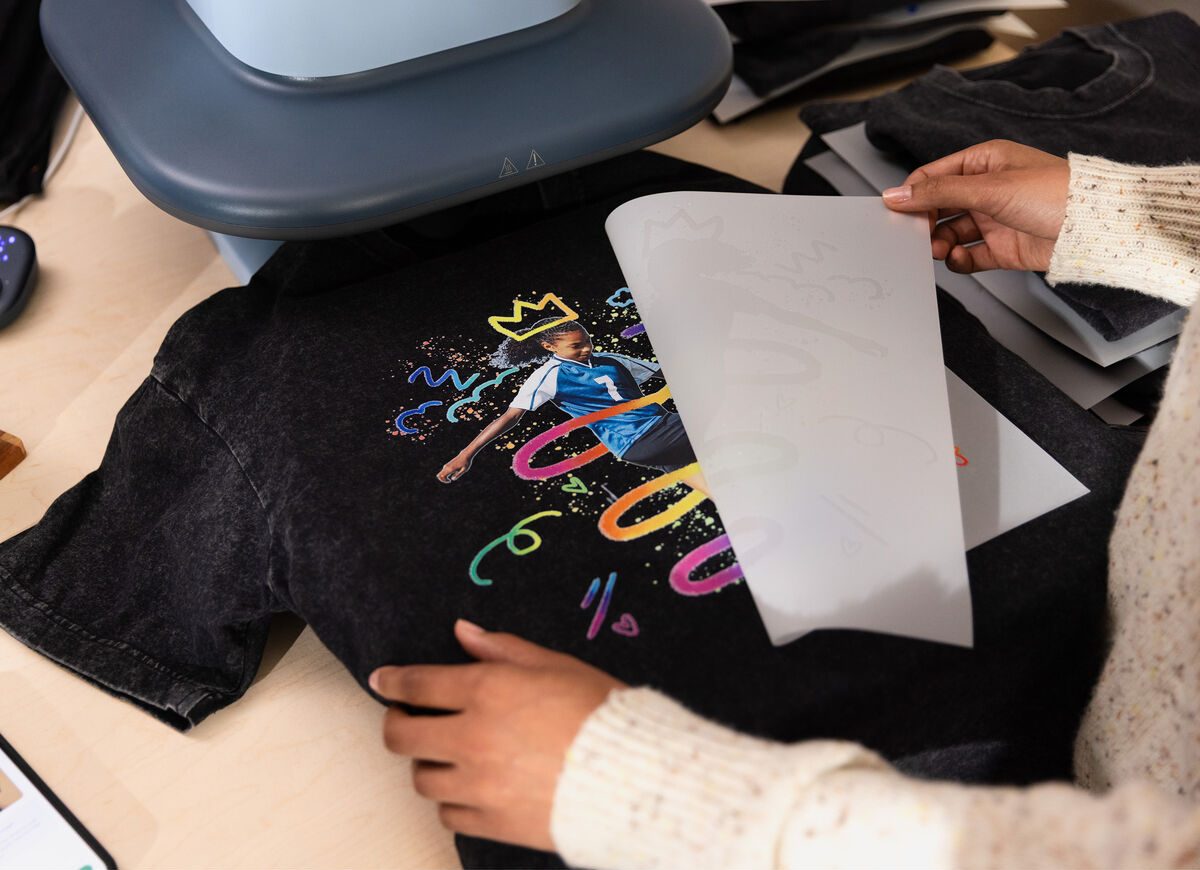
Dial in the settings
Pick your material in the interactive Heat Guide, then set heat and pressure on the Control Pod. You can save up to 4 presets. Design Space is optional.
-
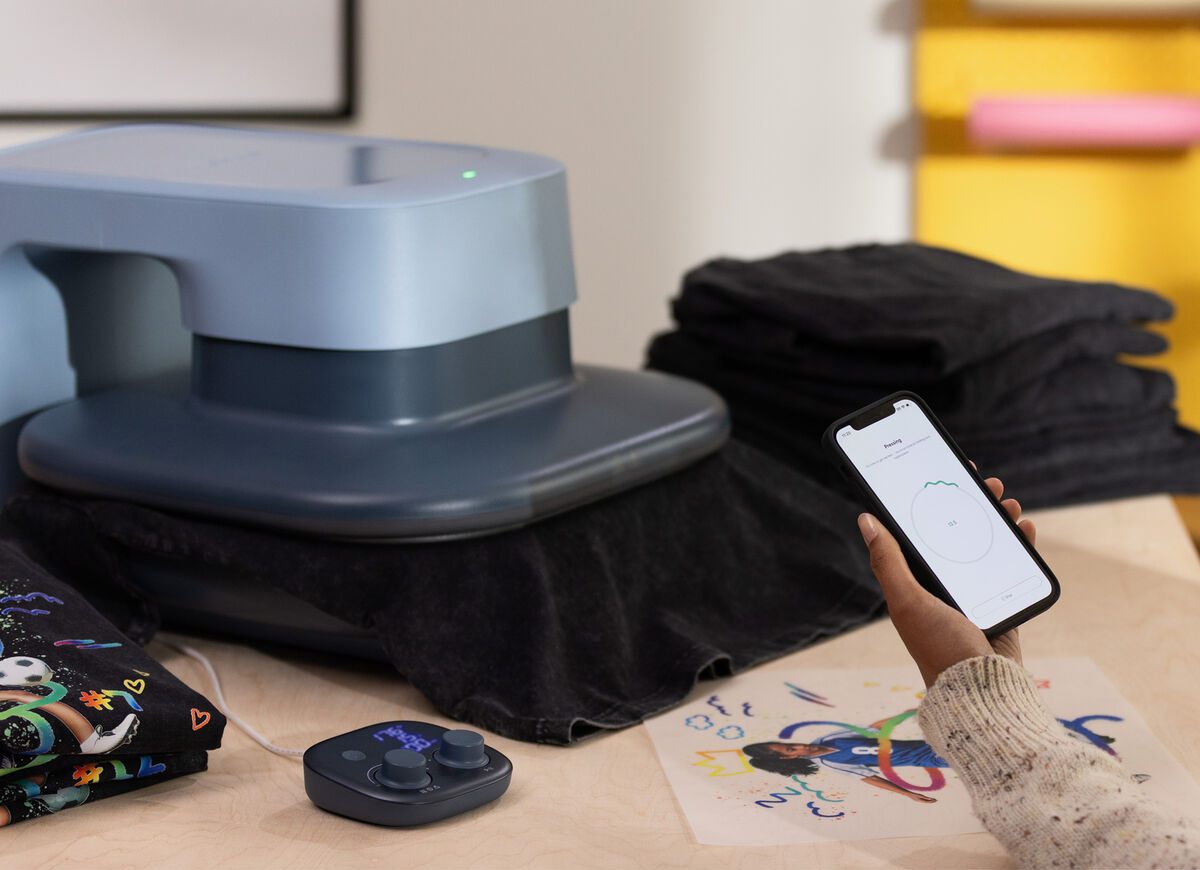
Slide out, load, slide in
The full tray slides out, so you place the shirt and transfer on the 15 x 15 Pressing Mat away from the hot plate.
-
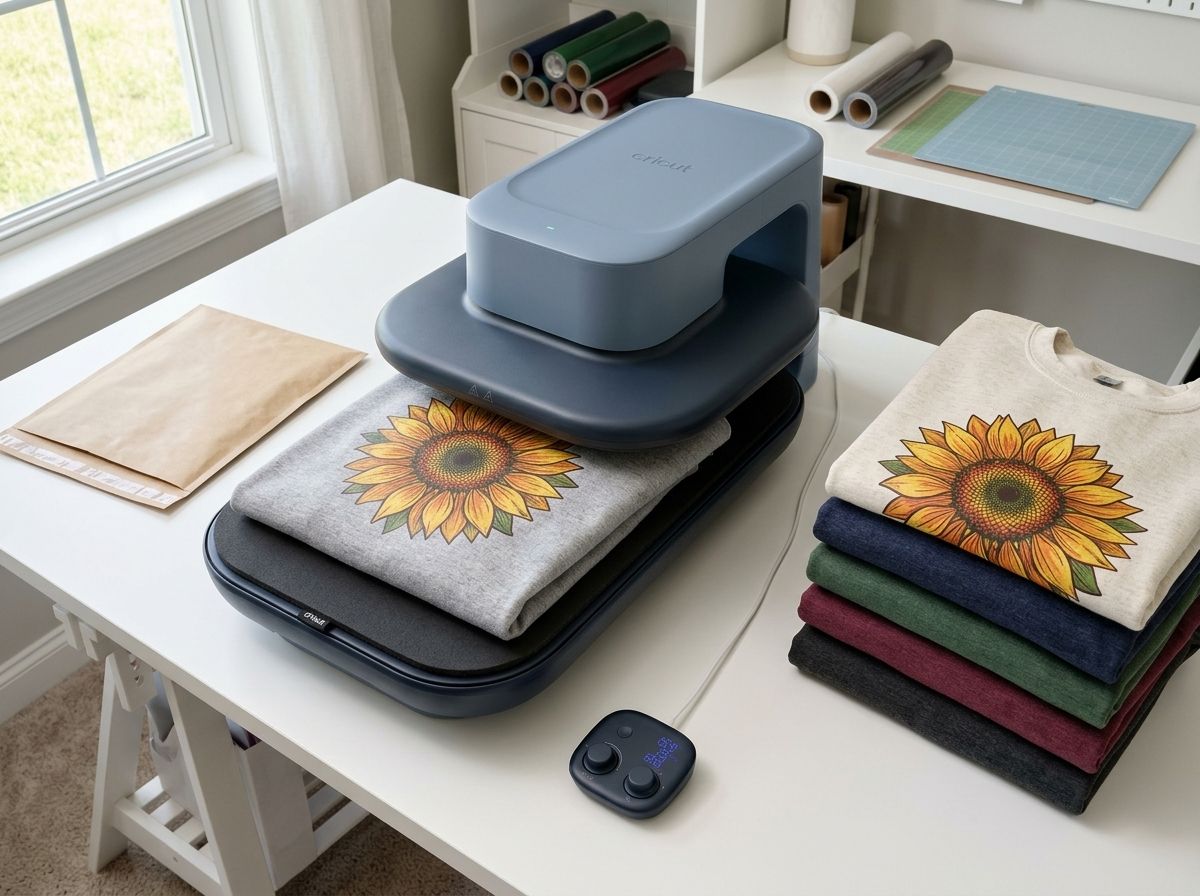 AI illustration
Let Auto Mode press
Auto Mode presses hands-free and adjusts its height on its own for materials up to 1.8 inches thick. Repeat for the next piece.
The AutoPress 2, up close
Official Cricut photos. Tap any image to enlarge.
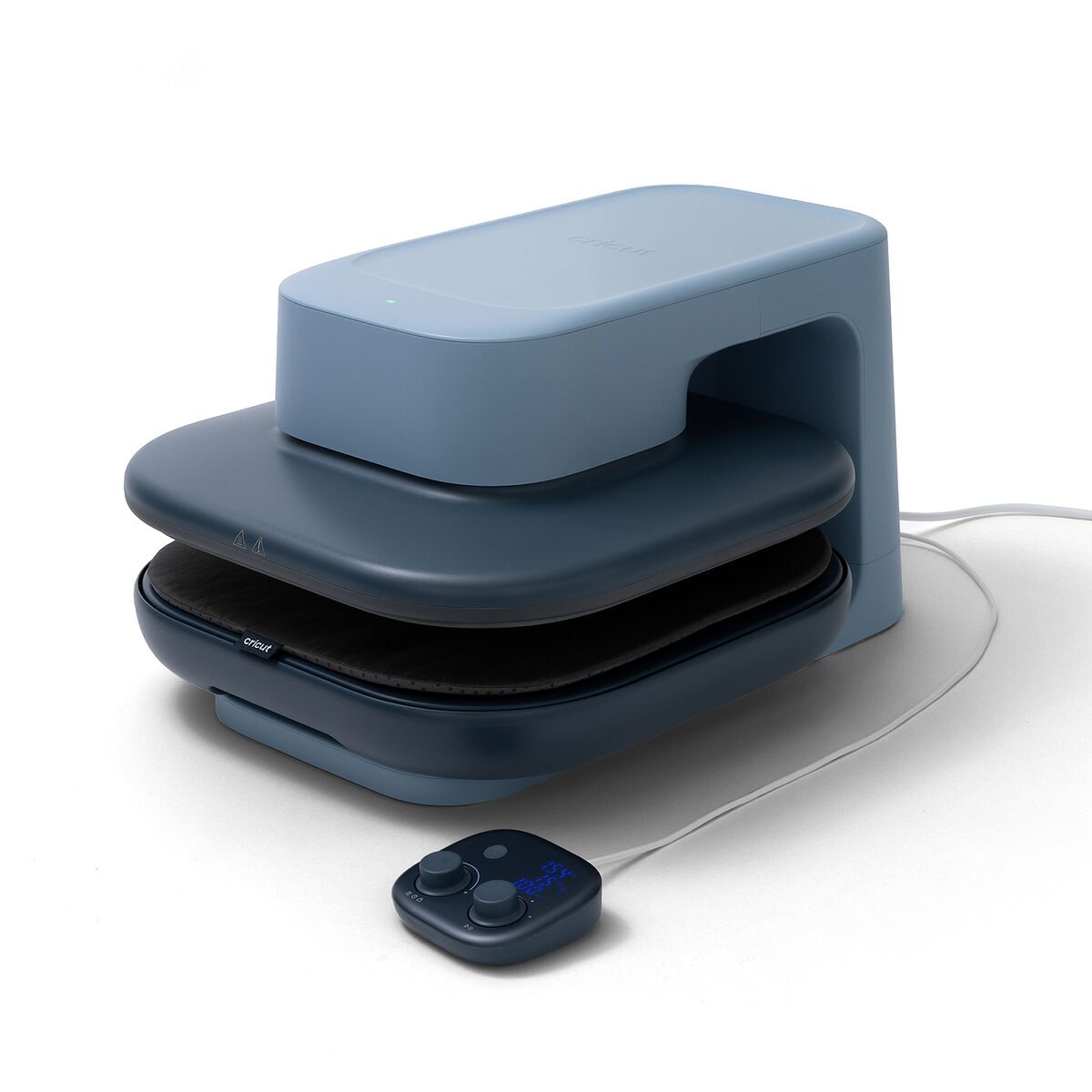
What you actually get
What the AutoPress 2 does for your orders
Each benefit is tied to a spec from Cricut's product page.
Press a stack of shirts without holding down
Auto Mode works hands-free and is built for batches
Firm pressure for DTF and puff iron-on
Adjustable pressure up to 220 lbs, where the original was fixed
Fit big designs and larger pieces in one press
15 x 15 inch heat plate with dry, edge-to-edge heat
Load your piece away from the hot plate
Insulated Safety Base, full slide-out tray and 15 minute Auto-Off
Match the heat to the material
Temperature adjustable from 212°F to 410°F
Stop guessing settings for each material
Interactive Heat Guide and 4 customizable presets
Before you order
Is your table ready for the AutoPress 2?
A heat press is furniture as much as a tool. These questions check your space, your materials and your comfort with a new model.
- Do you have a flat, stable spot indoors?
Cricut says to use it indoors, in a ventilated area, on a flat, stable surface, and it weighs 42 lbs. If you would carry it out of a closet for each session, think twice.
- Can you stand near the Control Pod?
The Control Pod is movable but runs on a 3.5 ft cable. Plan where you will stand, since the app is optional.
- Do you know your material settings?
Cricut lists DTF, iron-on including puff, Infusible Ink and sublimation. Its Heat Guide gives settings by material at cricut.com/heatguide, and Cricut says Design Space is not required.
- Do you press batches?
Reviewers tested a DTF batch on t-shirts, a sublimation sweatshirt and a large tote on the full 15 x 15 plate. If you press a few pieces a year, a smaller tool may fit better.
- Can you accept a model with no history?
It launched on July 28, 2026. When we searched Reddit on November 1, we found no owner posts, and several creators say Cricut sent their unit.
Reviewer videos are first impressions, not long-term ownership.
Built from: Cricut AutoPress 2 15 x 15 product page, Cricut launch blog post, YouTube: Kayla's Cricut Creations, first look with 3 projects. How we research
Owners, in their own words
What creators say after testing it
Word for word from the YouTube video descriptions of the creators. Where Cricut sent the unit, we say so. A small sample, not a rating. Each quote links to the video.
“The new Cricut Autopress 2 fixes the biggest limitation of the original model: you can finally adjust the pressure.”
“a DTF transfer batch press on t-shirts, a sublimation sweatshirt, and a large tote bag using the full 15x15 heat plate.”
“Whether you are upgrading your setup or looking for your first heat press machine, this overview covers how the Cricut Autopress 2 handles various materials.”
“The Cricut AutoPress 2 is here, and it is a full rebuild, not just a minor update to the original Cricut AutoPress.”
What is included
What arrives in the box
The AutoPress 2 arrives with its Control Pod and a Pressing Mat. You add your transfers and blanks.
- Cricut AutoPress 2, 15 x 15 heat press The automatic press itself, with its Safety Base
- Movable Control Pod with 3.5 ft cord Set heat and pressure where it suits your table
- 15 x 15 non-slip Pressing Mat (may vary) Holds your piece in place on the tray
- Cricut limited warranty Terms are at cricut.com/warranty
Your first month
Your first-month kit for the AutoPress 2
The press comes with its Control Pod and Pressing Mat, so these are the materials and supplies Cricut's pages say you add.
DTF transfers
Cricut lists DTF as a supported material, and one creator pressed a batch of them on t-shirts.
See optionsIron-on vinyl
Cricut lists iron-on, including puff iron-on, among the supported materials.
See optionsCricut Infusible Ink transfer sheets
Cricut lists Infusible Ink among the supported materials.
See optionsBlank t-shirts for pressing
The press does not include blanks, and creators tested it on t-shirts, a sweatshirt and a tote.
See optionsCricut heat resistant tape
Cricut lists it as a supply for its heat presses.
See optionsBuy without the knot in your stomach
Four checks before you order
Returns
Amazon's return policy applies to the listing. Check the Returns line on the page for the terms, and test the press early while you can still send it back.
Warranty
Cricut manufacturer limited warranty; terms at cricut.com/warranty. The product page does not give a term, so read the terms before you order.
The right listing
Make sure the listing says Cricut AutoPress 2 and 15 x 15. A smaller AutoPress 2 in 12 x 12 and the original AutoPress in 15 x 12 also exist.
Check the box
On arrival, check for the press, the Control Pod with its cord and the Pressing Mat. If anything is missing, contact the seller or Amazon right away.
Checked on November 1, 2026
Specifications and availability were checked against the manufacturer and Amazon pages on this date. Store prices change by the hour, so the price at checkout is the one that counts. How we research
Still deciding?
Questions people ask before buying
Which Cricut AutoPress is this?
This page is about the Cricut AutoPress 2, 15 x 15, with a 15 x 15 inch plate and pressure up to 220 lbs. The original AutoPress was 15 x 12 with fixed pressure of about 50 lbs. There is also a smaller AutoPress 2, 12 x 12. Check the listing says 15 x 15.
Who should not buy the AutoPress 2, 15 x 15?
Skip it if you press one shirt a year: an iron or a small press is enough. Skip it for mugs, hats or tumblers, which need their own presses, because this plate is flat. And skip it if you have no permanent space, since it weighs 42 lbs and needs a flat, stable, ventilated spot indoors. The 12 x 12 model is the smaller option.
Can I adjust the pressure?
Yes. Pressure is adjustable up to 220 lbs. This is the big change from the original, which Jennifer Maker called its biggest limitation. Higher pressure matters for materials like DTF and puff iron-on.
What can I press with it?
Cricut lists DTF, iron-on (HTV) including Puff Iron-On, Infusible Ink and sublimation. It presses flat projects such as shirts, sweatshirts and tote bags. The Heat Guide gives settings by material.
Do I need Design Space or the internet?
No. You can run it from the Control Pod, which has a 3.5 ft cord. The Cricut Design Space app is optional and connects over Bluetooth. Connecting the app needs an internet connection.
Is it safe to load and leave on?
It has an insulated Safety Base and a full slide-out tray, so you load your piece away from the hot plate. Auto-Off turns it off after 15 minutes idle. Still treat it like any heat press: keep it on a flat, stable surface and follow Cricut's use notes.
Is it proven over the long term?
Not yet. It launched in July 2026, and the original AutoPress is a different generation. We found no owner posts on Reddit for this model, so the voices on this page are creators, and some were sent the unit by Cricut. We cannot say how it holds up after years of use.
Where is it sold?
In the US it launched as an Amazon exclusive on July 28, 2026. Cricut said other retailers would follow from November 4, 2026. Check the Amazon listing for current availability.
Press the whole stack, hands free
The Cricut AutoPress 2, 15 x 15, gives you adjustable pressure up to 220 lbs and hands-free Auto Mode on a big plate. If you press batches and have room for a 42 lb press, your next step is the listing on Amazon.
Price and stock change on Amazon. It launched there as an exclusive on July 28, 2026, and Cricut said other retailers follow from November 4, 2026.