
Brother SE700 sewing and embroidery machine with a 4 x 4 hoop
Brother SE700: embroider monograms and baby clothes without a second machine
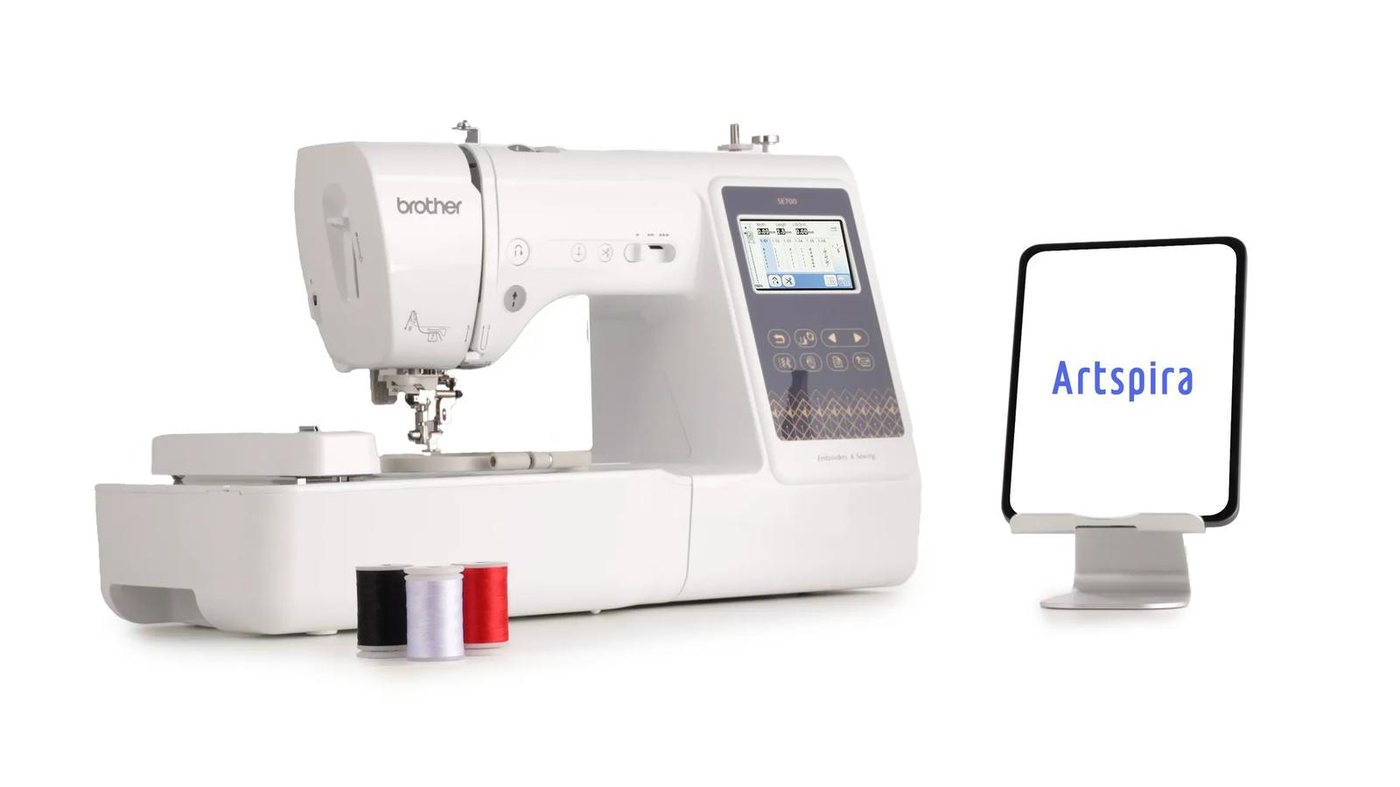
The Brother SE700 sews and embroiders, with 135 built-in designs, 10 fonts and a screen that shows directions. It suits first-timers whose projects fit a 4 x 4 inch hoop, like monograms, patches, tea towels and baby clothes.
- Sews and embroiders, so there is no second machine
- 135 built-in designs and 10 fonts, no software to start
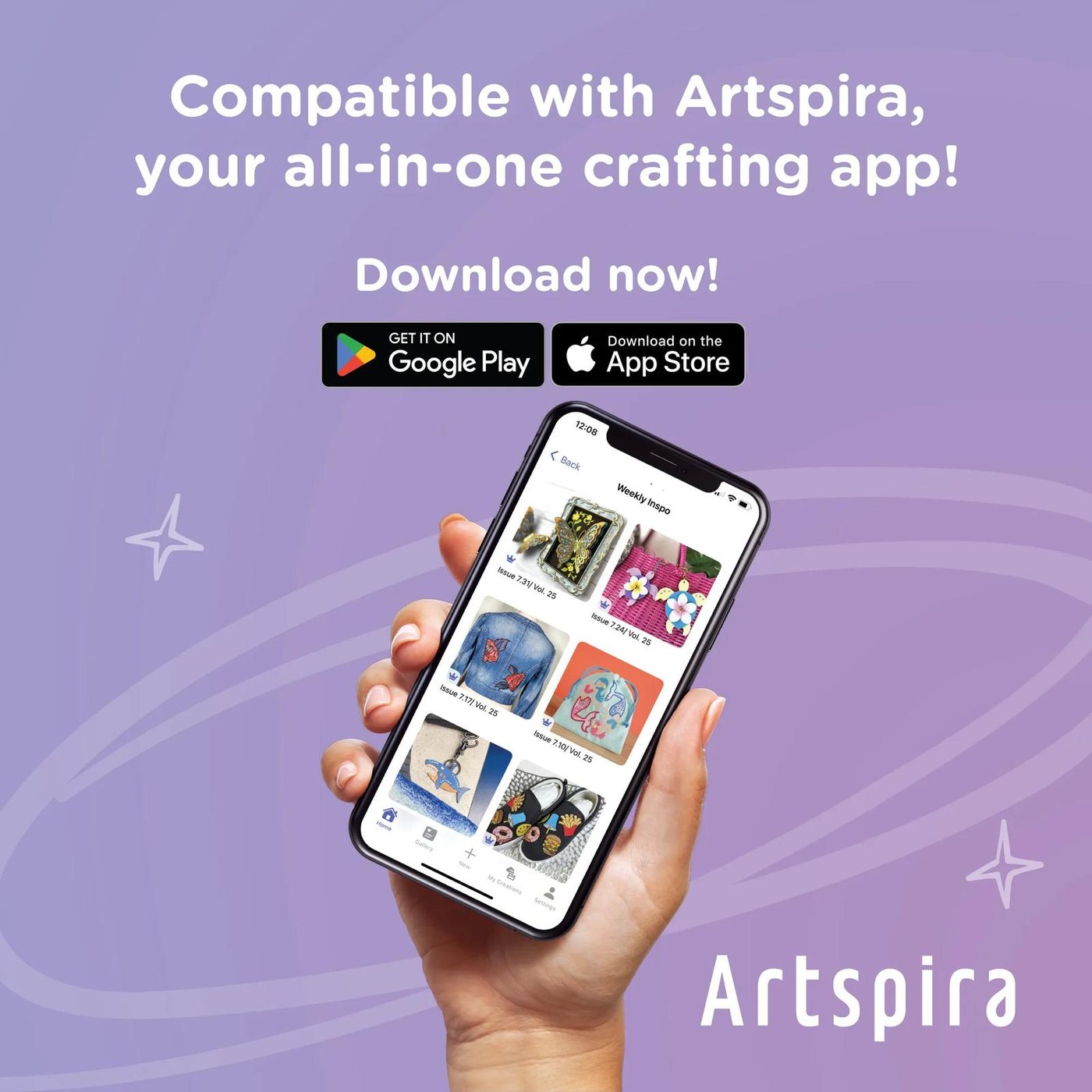
- Send designs over Wi-Fi with the free Artspira app
Illustration made with AI from the official product photos.
Sound familiar?
Embroidery feels risky before the first stitch
You want to monogram a baby blanket, stitch your own patches or finally make those tea towels. So you read the forum threads, compare a few Brother models and still feel stuck. You have heard that software can cost more than the machine, and that some owners wish they had bought a bigger hoop. What you do not want is two machines, or a pile of software, before you have stitched a single letter.
“I only wish I purchased a machine that allowed me to embroider larger pieces. I outgrew my 4x4 machine by the end of the week.”
- What it costs to leave it unsolved
- The project stays in your head while the research tab stays open.
- You pay for two machines when one could cover your first projects.
- You buy before checking the hoop size and regret it on the first towel.
The way out
One machine that sews, embroiders and guides you
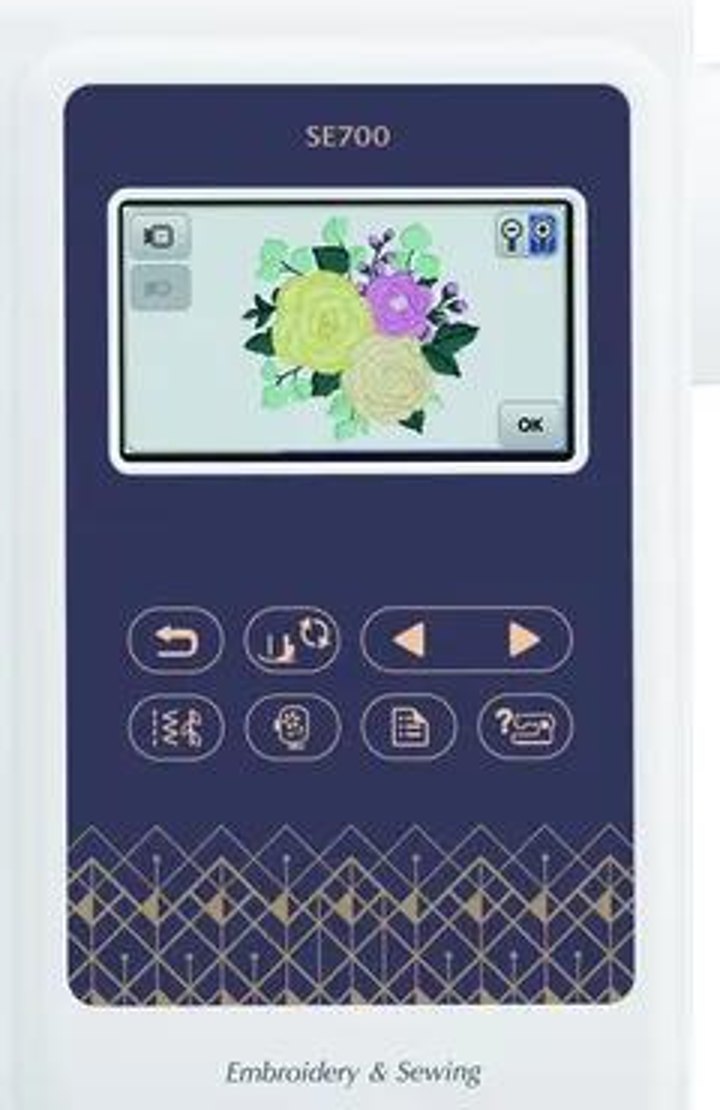
The SE700 sews and embroiders, so your first embroidery project does not need a second machine. With 135 built-in designs and 10 fonts, you can stitch real projects before you buy any software. A 3.2 x 1.8 inch LCD gives on-screen guidance as you go. It is also upfront about its limit: the hoop is 4 x 4 inches, which fits monograms, patches and baby clothes, not bath towels or jacket backs.
One Brother that does both jobs: 103 sewing stitches plus 135 built-in embroidery designs and 10 fonts.
-
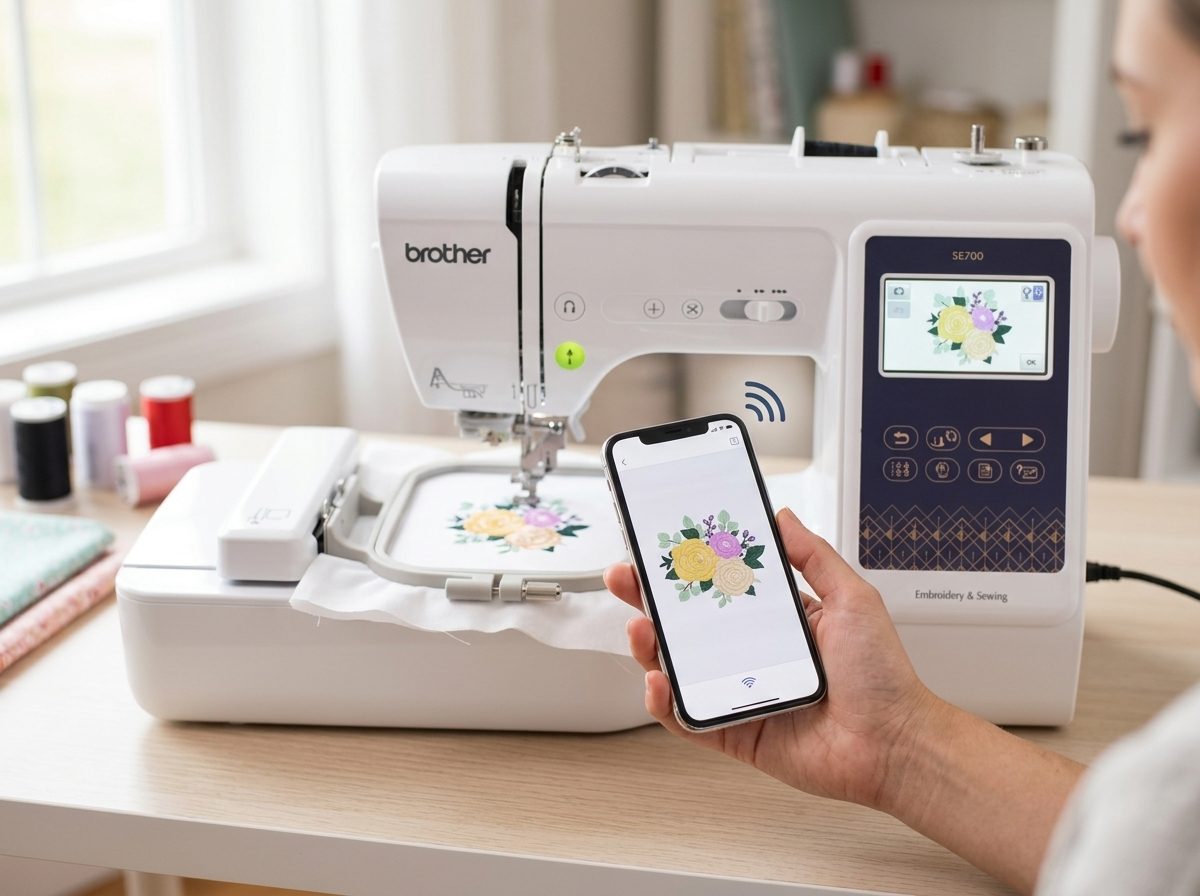 AI illustration
Pick a design
Choose from 135 built-in designs and 10 embroidery fonts, or send a design from the free Artspira app over Wi-Fi.
-
Set up the basics
Use stabilizer under your fabric, 40 wt embroidery thread on top and 60 wt thread in the bobbin. Three pre-wound 60 wt white bobbins come in the box. Thread and tension take a few sessions to learn, so go slowly at first.
-
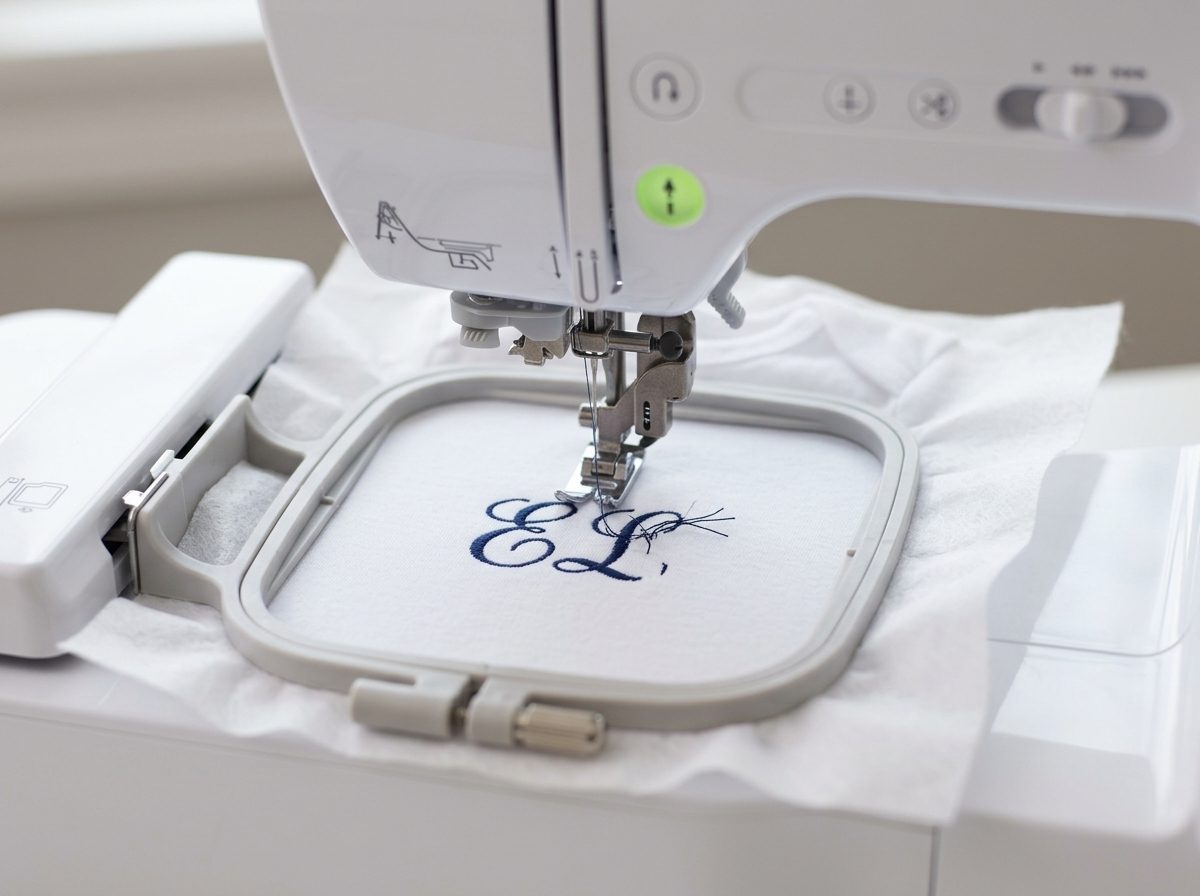 AI illustration
Hoop and stitch
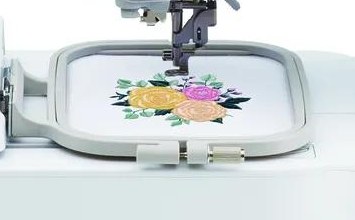
Place your fabric in the included 4 x 4 inch hoop, attach the embroidery foot and follow the directions on the screen.
The SE700, up close
Official Brother photos. Tap any image to enlarge.
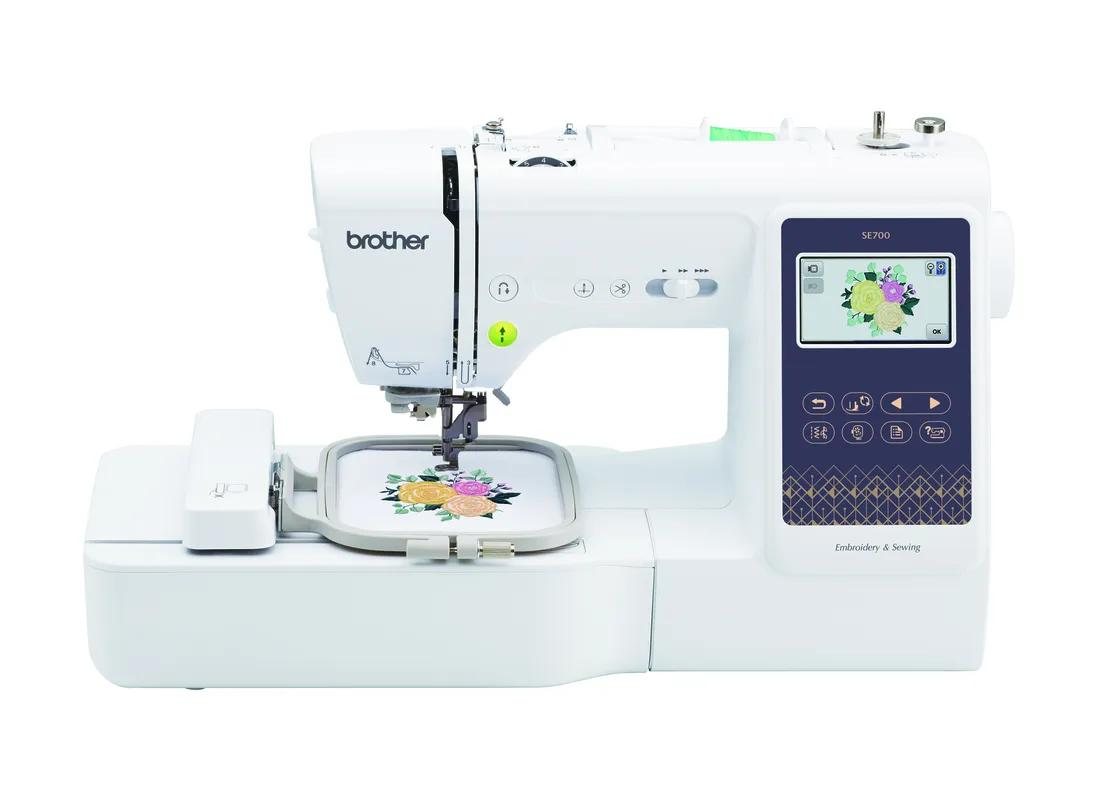
What you actually get
What the SE700 does for your projects
Each benefit is tied to a spec from Brother.
Hem the towel, then monogram it
103 sewing stitches, 10 buttonhole styles and 8 presser feet in the box
Start stitching before you buy any software
135 built-in embroidery designs and 10 embroidery fonts live on the machine
Send designs without a cable
Wireless LAN, free Artspira app and free Design Database Transfer, no USB required
A screen that shows you what to do next
A 3.2 x 1.8 inch LCD with on-screen guidance
Start with bobbin thread already wound
Three pre-wound 60 wt white bobbins plus 2 bobbins come in the box
Everything to begin arrives together
4 x 4 inch hoop, needles, twin needle, pedal, cover, manual and guides
Your first week
Test the SE700 in its first week
Most SE700 questions show up in the first few sessions. Use week one to check thread, trimming, wireless and hoop size while you can still return it.
- Day 1: Watch a setup video first
Before you thread, watch a beginner setup video. One covers switching to embroidery mode, winding the bobbin and threading, going by its description.
- Day 2: Stitch one built-in design
Use stabilizer, 40 wt top thread and 60 wt bobbin thread, which are community checks, not a Brother rule. Keep the design under 3.9 inches, the usable size one Reddit user gives for the 4 x 4 hoop.
- Day 3: Run a second design, slowly
Thread piling up under the fabric is the most common reason for help posts in what we read. One owner says the machine needs tension adjustment a lot, so do not judge it on one run.
- Day 4: Stitch two colors, count your snips
Brother lists an automatic thread cutter but not jump stitch trimming. Expect to snip the jumps inside a single color by hand.
- Day 5: Send one design wirelessly
Try the free Artspira app or Design Database Transfer. One owner review on Brother's page says the computer program works only on Windows, so Mac and iPhone users should test this early.
- Day 7: Fit your real projects
Hold your biggest planned project against that 3.9 inch limit. If it does not fit, decide now, while your return window is still open.
The day-by-day pacing is our suggestion. The thread and size notes come from owner posts, which are a sample, not a defect rate.
Built from: Brother SE700 product page, Reddit, r/MachineEmbroidery: usable design size in the 4 x 4 hoop, Reddit, r/MachineEmbroidery: tension on the SE700, YouTube: Brother SE700 Embroidery Setup, Sew Practical Sew Fun. How we research
Owners, in their own words
What owners say in embroidery communities
Word for word from r/MachineEmbroidery and from owner reviews on Brother's own page. A small sample, not a rating. Each quote links to where it was posted.
“Do it. It’s new to me but it’s made me want to embroider everything. I love how easy it is for this beginner.”
“I love this machine. Its great for a beginner, it allows me to sew and embroider my items. Great for a hobbyist.”
“the machine is easy to work with. Especially for smaller stuff”
“If I had one wish is that for the money invested it could have allowed for a larger 5 x 7 frame.”
What is included
What arrives in the box
The SE700 arrives with the hoop, the embroidery foot and bobbins already wound, and 135 designs and 10 fonts are built in. You still add stabilizer and 40 wt embroidery thread.
- 8 presser feet, including the embroidery foot Covers zigzag, zipper, buttonhole and embroidery work
- 4 x 4 inch embroidery hoop The size for monograms, patches and baby clothes
- Needles and a twin needle Needles wear out, so spares are welcome
- 2 bobbins plus 3 pre-wound 60 wt white bobbins The bobbin thread weight the setup calls for
- Foot pedal Included with the machine, not a separate purchase
- Machine cover Keeps the machine covered when you are not stitching
- Manual, quick guide and design guide Three guides to keep beside the machine
Your first month
Your first-month kit for the SE700
The box covers the machine, the 4 x 4 hoop and a few bobbins, so these are the extras that Brother's pages and owners point to.
Embroidery stabilizer
It goes under the fabric in the hoop, and none comes in the box.
See options40 wt embroidery thread
No top thread is in the box, and owners use 40 wt on top.
See options60 wt bobbin thread
Three pre-wound 60 wt bobbins come in the box, so plan on more for later sessions.
See optionsSpare machine needles
Some SE700 owners report broken needles, so a few spares keep a session going.
See optionsBrother PE-Design 11 software
Brother sells it separately for turning your own artwork into stitch files.
See optionsBuy without the knot in your stomach
Four checks before you order
Returns
Amazon's standard return window applies to most sewing machines, usually 30 days from delivery. Check the Returns line on the listing, and test the machine in the first days while you can still return it.
Warranty
Brother covers the SE700 with a limited warranty: 1 year on labor, 2 years on electrical parts and 25 years on the chassis, per Brother's warranty document. Keep the Amazon invoice as your proof of purchase.
The right listing
Choose the listing sold by Amazon.com or by Brother and shipped by Amazon. Skip 'Renewed' or 'Used' unless you want a refurbished unit; those carry their own warranty terms.
Check the box
On arrival, check the box against the list in the section above: embroidery foot, 4 x 4 inch hoop, pre-wound bobbins, the accessory feet and the manual. If anything is missing, contact the seller or Amazon right away, while the return window is open.
Checked on October 27, 2026
Specifications and availability were checked against the manufacturer and Amazon pages on this date. Store prices change by the hour, so the price at checkout is the one that counts. How we research
Still deciding?
Questions people ask before buying
Is a 4 x 4 inch hoop big enough?
For monograms, patches, baby clothes and tea towels, yes. The SE700 embroiders up to 4 x 4 inches (100 x 100 mm). A design bigger than the hoop has to be split and re-hooped, so bath towels and jacket backs are better on a 5x7 machine.
What if I outgrow the hoop?
It happens. A Brother USA owner review on this page wishes for a larger 5 x 7 frame, and the r/MachineEmbroidery owner quoted near the top says they outgrew a 4x4 machine within a week. If you already know you want towels, jacket backs or to sell your work, look at the Brother PE900 (embroidery only) or the SE2000 (sews, and adds jump stitch trimming), both 5x7. If your first projects are monograms, patches and baby clothes, the SE700 hoop fits them.
Can a total beginner learn on the SE700?
It is built for first projects: an LCD with on-screen guidance, 135 built-in designs and 10 fonts, and nothing to buy before your first stitch. Two owners quoted above call it easy for a beginner. Thread and tension take a few sessions to learn, so go slowly at first. Use stabilizer under the fabric, 40 wt embroidery thread on top and 60 wt thread in the bobbin. One limit to know: Brother lists an automatic thread cutter on the SE700, which trims at color changes, but not jump stitch trimming inside one color, so plan to trim those jumps by hand. The SE2000 lists both.
Do I need to buy software?
No, you can begin without any. The SE700 has 135 built-in designs and 10 fonts, and the free Artspira app sends designs wirelessly. Turning your own photo into a design is different: Brother offers a paid plan, Artspira+, so check Brother's current plan comparison first. Digitizing your own artwork otherwise needs separate software.
Does it work with my Mac or iPhone?
Check before you order. One owner review on Brother's page says the program for sending designs wirelessly works only on Windows. If you work mostly on Apple devices, check Brother's current compatibility information first. The built-in designs do not need a computer.
What comes in the box?
8 presser feet, needles and a twin needle, 2 bobbins plus 3 pre-wound 60 wt white bobbins, a 4 x 4 inch hoop, a foot pedal, a cover, a manual, a quick guide and a design guide. Stabilizer and 40 wt embroidery thread for the top are not on that list, so plan to buy them.
What does the warranty cover?
Brother's limited warranty covers the SE700 for 1 year on labor, 2 years on electrical parts and 25 years on the chassis. Keep your Amazon invoice as proof of purchase. Read Brother's warranty document for the exact terms.
Can I return it if it is not right?
Amazon's standard return window applies to most sewing machines, usually 30 days from delivery. Check the Returns line on the listing before you order, then set the machine up and test it in the first days, so any problem shows up inside the window.
Your first monogram, on a machine that also sews
The Brother SE700 gives you sewing, embroidery, 135 designs and 10 fonts in one machine, as long as your projects fit a 4 x 4 inch hoop. If they do, the next step is to see the listing on Amazon.
Price and stock change on Amazon, so check the listing for today's details.
Your first 30 days with an embroidery machine
A week-by-week checklist for your first month: what to test, stock and practice while the return window is still open.
Not quite the right fit?
Not sure the SE700 is your size? Two neighbors worth a look
Brother PE545
Embroidery only, no sewing, in the same 4 x 4 inch hoop, with 135 built-in designs, 10 fonts and Wi-Fi. For you if you already own a sewing machine you love and only want to add embroidery.
Read our Brother PE545 guide One step upBrother SE2000
Sews and embroiders like the SE700, with a 5 x 7 inch hoop, 193 built-in designs and jump stitch trimming within each color. For you if towels, jacket backs or designs you do not want to split are already on your list.
Read our Brother SE2000 guide